Every coding agent.
One command center.

Mintokei runs Claude Code, Codex, Copilot and OpenCode in one workspace — on your desktop or any remote machine. Watch every session live, review every change, preview the running app, and orchestrate whole plans of agents from a single screen.

mintokei · feature tour 60s
/// Universal agent surface

Every coding CLI. One workspace.

Mintokei drives each CLI natively, so you switch tools, models and machines without leaving the chat. Bring your own CLI and your own keys.

Claude Code
supported
Codex CLI
supported
GitHub Copilot
supported
Gemini CLI
coming soon
OpenCode
supported
/// Local & remote runners

Run on your desktop. Or anywhere.

Every agent runs on a runner machine — your laptop, a beefy build box, or a cloud VM. Enroll a remote runner with a single token and it shows up in your machine picker, online, capacity and all.

  • One paste to enroll. Paste the enrollment token into the runner and start it — it connects back on its own, no inbound ports to open.
  • Per-machine capacity. Cap concurrent agents per machine; Mintokei schedules around it.
  • Survives disconnects. Reconnect and Mintokei reconciles in-flight agents — queued messages are redelivered.
  • Pick a machine per task. Heavy build? Send it to the big box. Quick edit? Keep it local.
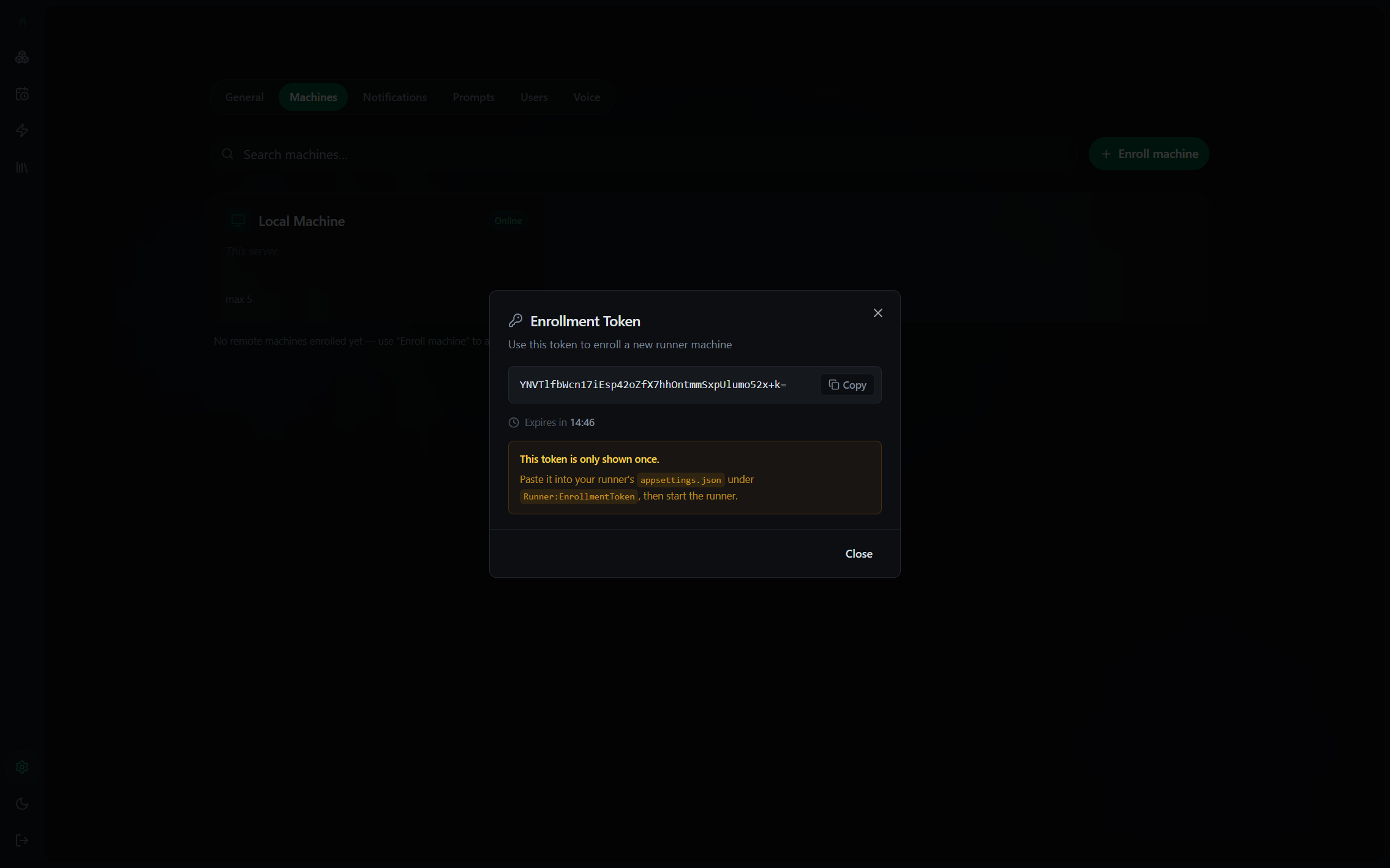
settings · machines
Enroll a remote runner machine with a one-time token
/// Web · Desktop · Mobile

Start at your desk. Sign off from your phone.

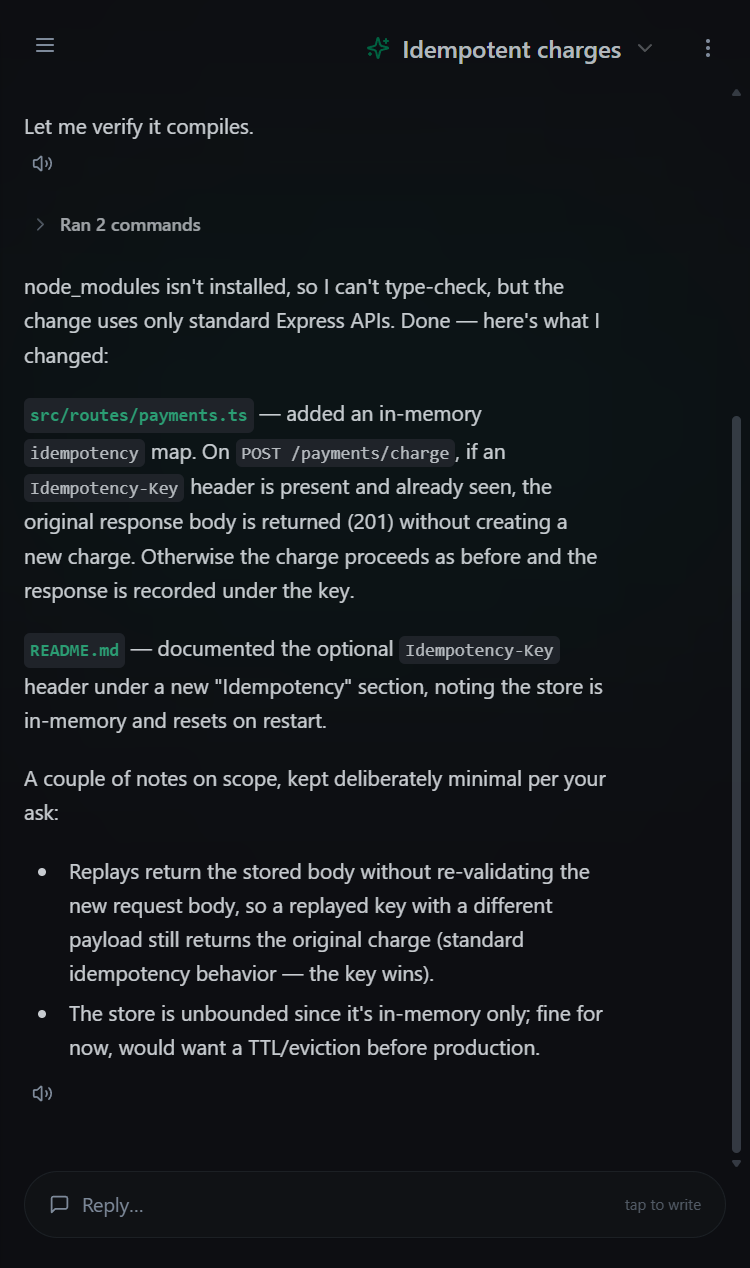
A web app, a native desktop app, and an installable mobile app — all pointed at the same self-hosted backend, so your workspace follows you from one screen to the next.

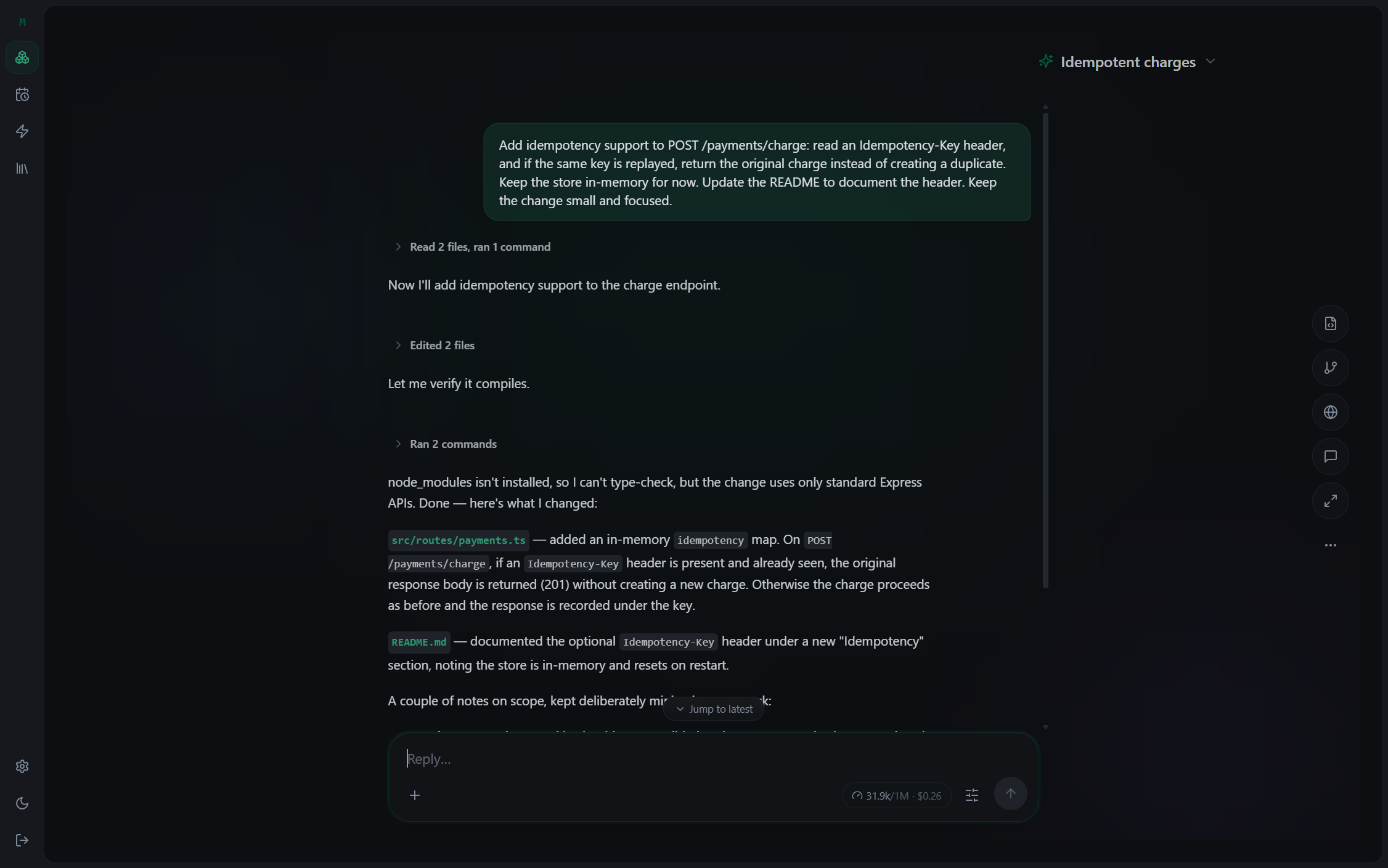
mintokei · web in your browser
Mintokei web app running in a browser Mintokei desktop app Mintokei on mobile

Web

Open it in any browser and point it at your self-hosted server — full live chat, streaming as the agent works.

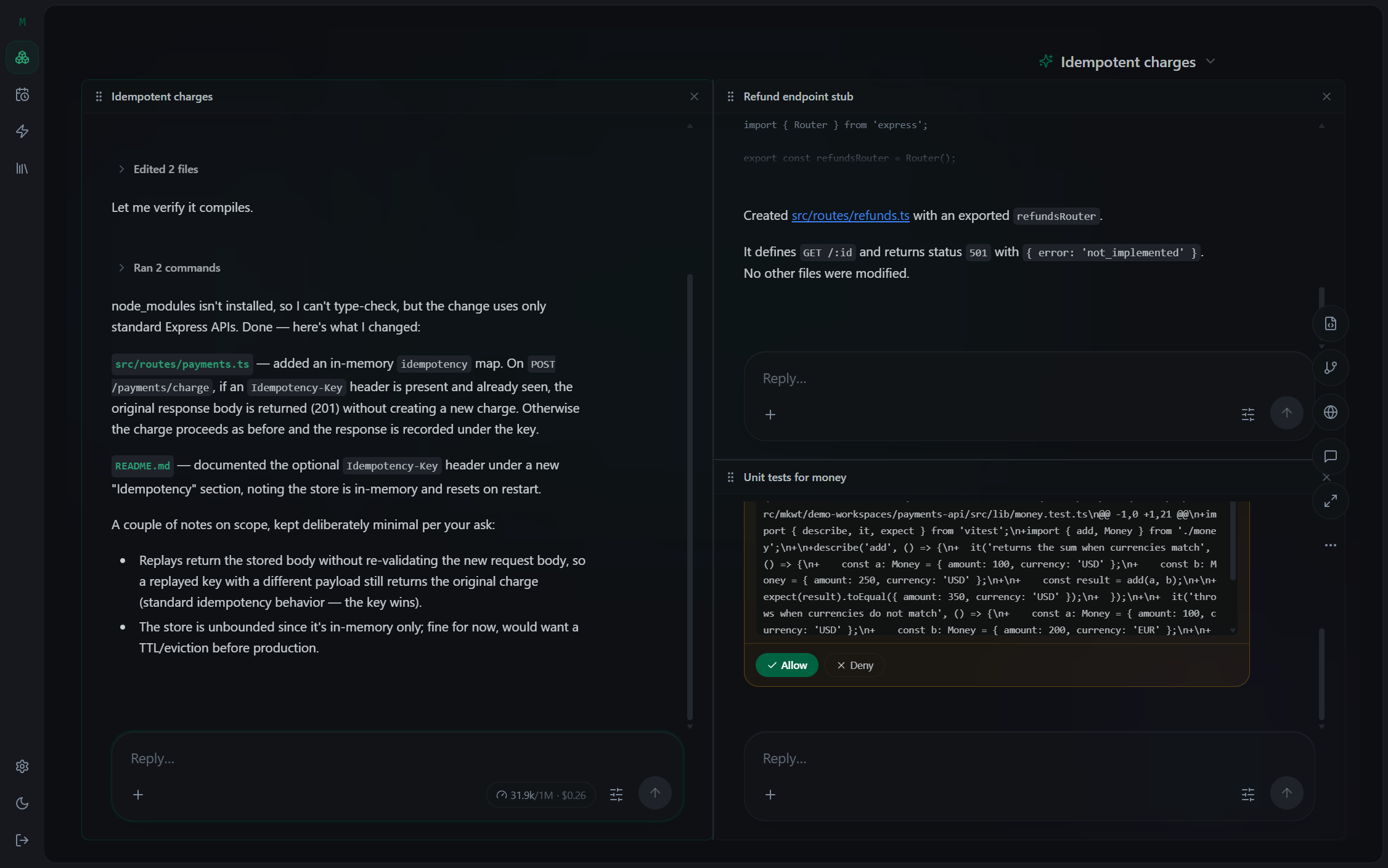
payments-api · split view 2 live
Two agents running side by side in split view
/// Split view

Watch every session at once.

Stop tab-hopping between terminals. Drag chats into a split layout and watch two, three, four agents stream in parallel — even when they're running on different machines.

  • Drag-and-drop panes. Split, swap and resize; your layout persists per workspace.
  • Mixed agents. Claude Code on the left, Codex on the right, one workspace.
  • Live everywhere. Each pane streams its own tool calls, edits and reasoning.
  • One repo, many hands. Several agents collaborating on the same codebase.
/// Review changes

See every change an agent makes. Line by line.

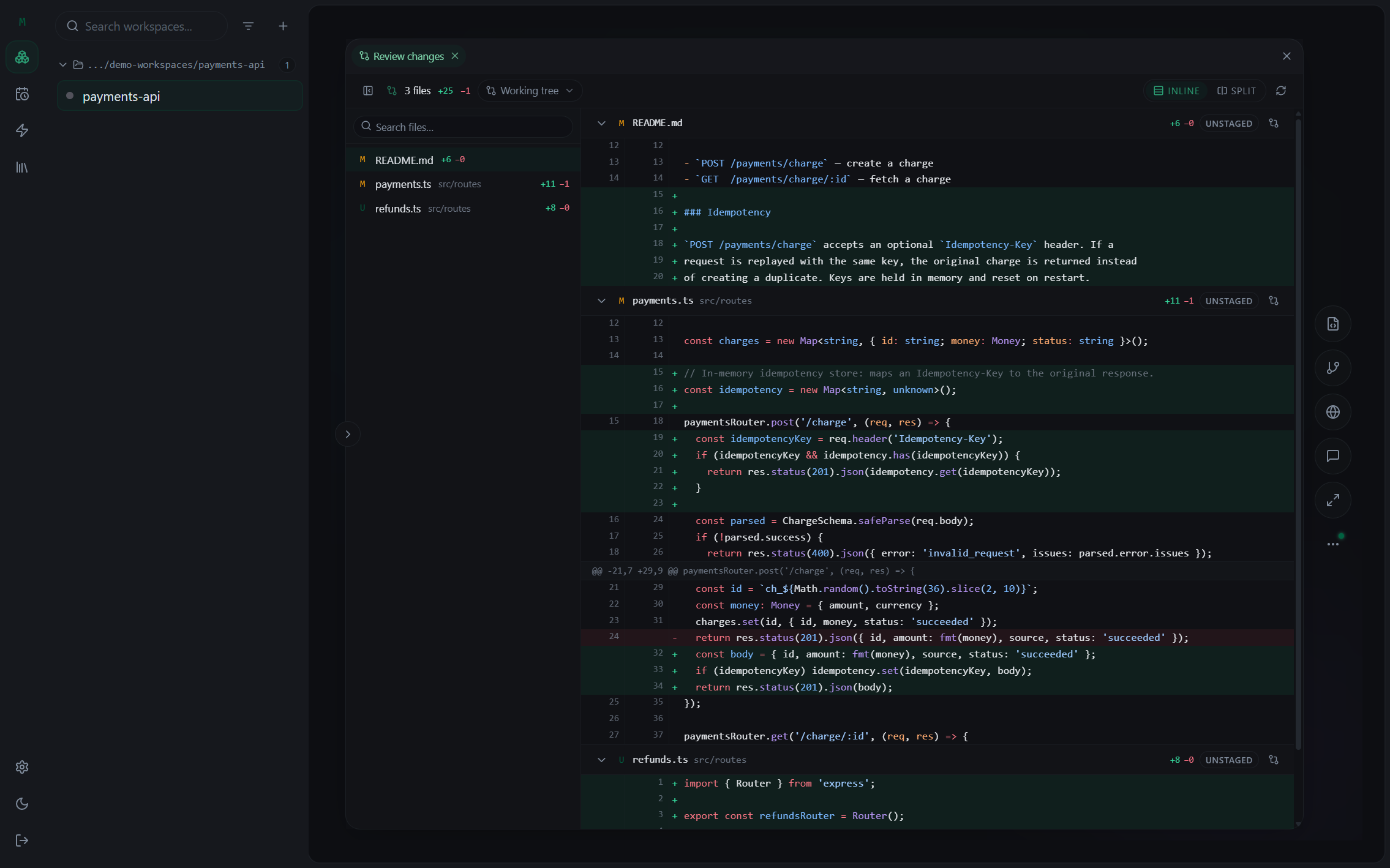
Agents move fast — Mintokei keeps you in control. Every edit lands as a reviewable diff, grouped by file, with the working tree or any commit as the base.

  • Inline or split diff. Switch the whole review between inline and side-by-side, with full syntax highlighting.
  • File tree + counts. See changed files and line counts at a glance across the whole working tree.
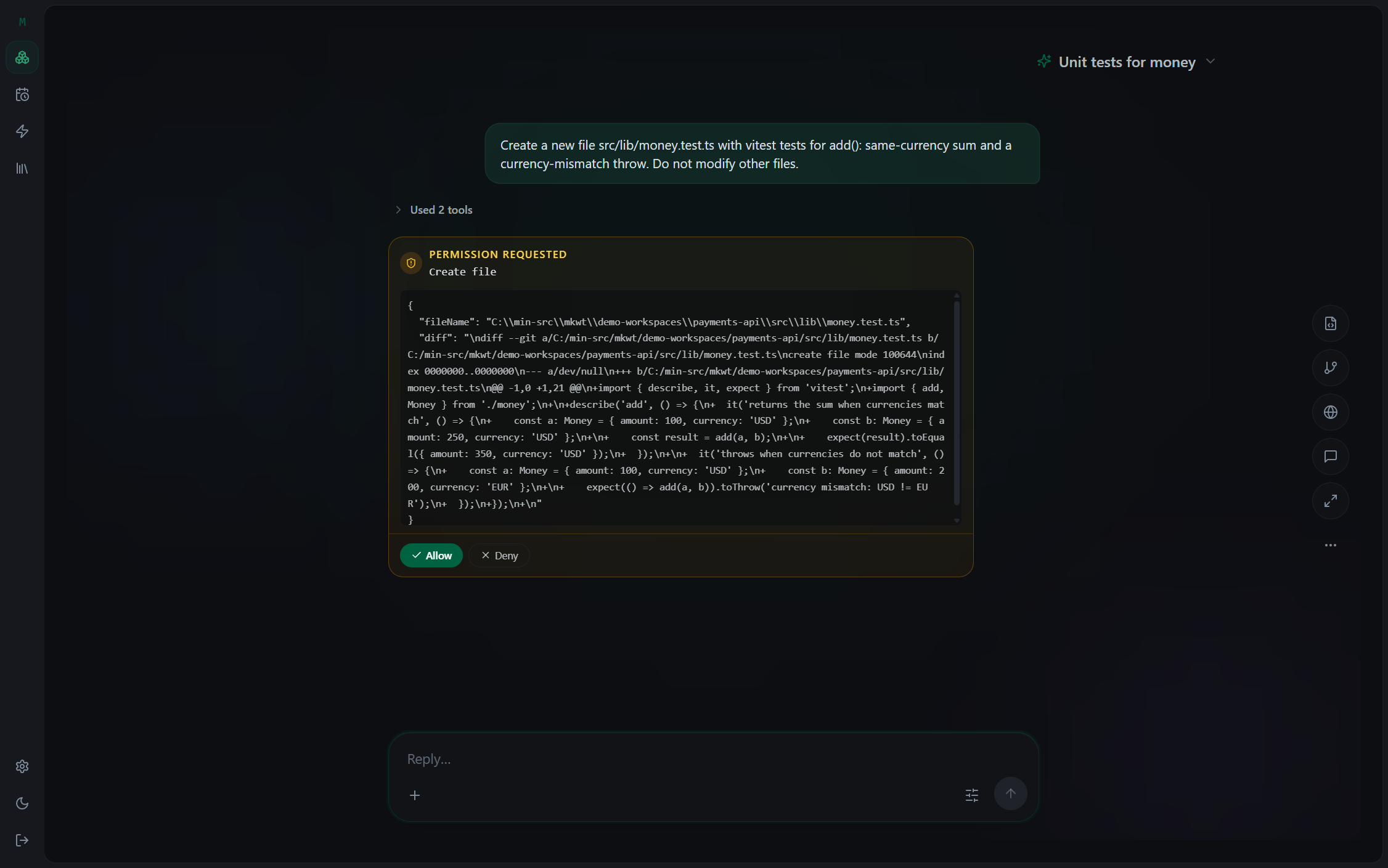
  • Approve risky tools. File writes and commands surface as permission prompts you accept or deny.
  • Multiple repos. Review changes across every repo in the workspace in one pass.
review changes · working tree · 3 files +25 −1
Reviewing an agent's diff across three files
orchestrator → mintokei-mcp connected
create_agent_task("Research the OAuth migration", Copilot)
✓ started · laptop
create_agent_task("Draft the migration plan", Claude Code · hetzner-gpu)
✓ started
create_agent_task("Code-review the diff", Codex · build-box)
✓ started
list_agent_task_messages(research)
"found 3 breaking changes — flagged in the plan"
Different CLIs. Different machines. One orchestrator.
/// Plans & orchestration

Different CLIs. Different machines. One orchestrator.

Don't drive every step. Hand the wheel to an orchestrator agent — it spawns the right CLI for each job, runs them in parallel across your machines, and pulls their results back. All over MCP.

  • Right tool for each job. Spawn a researcher, a builder, a reviewer — each on the CLI that fits, all from one orchestrator.
  • It reads the results. The orchestrator pulls each agent's messages back, threads them together and decides what's next.
  • Driven over MCP. create_agent_task, list_agent_task_messages and more — every line in the terminal is a real MCP tool call you can make too.
/// And a lot more

Preview it, schedule it, get pinged.

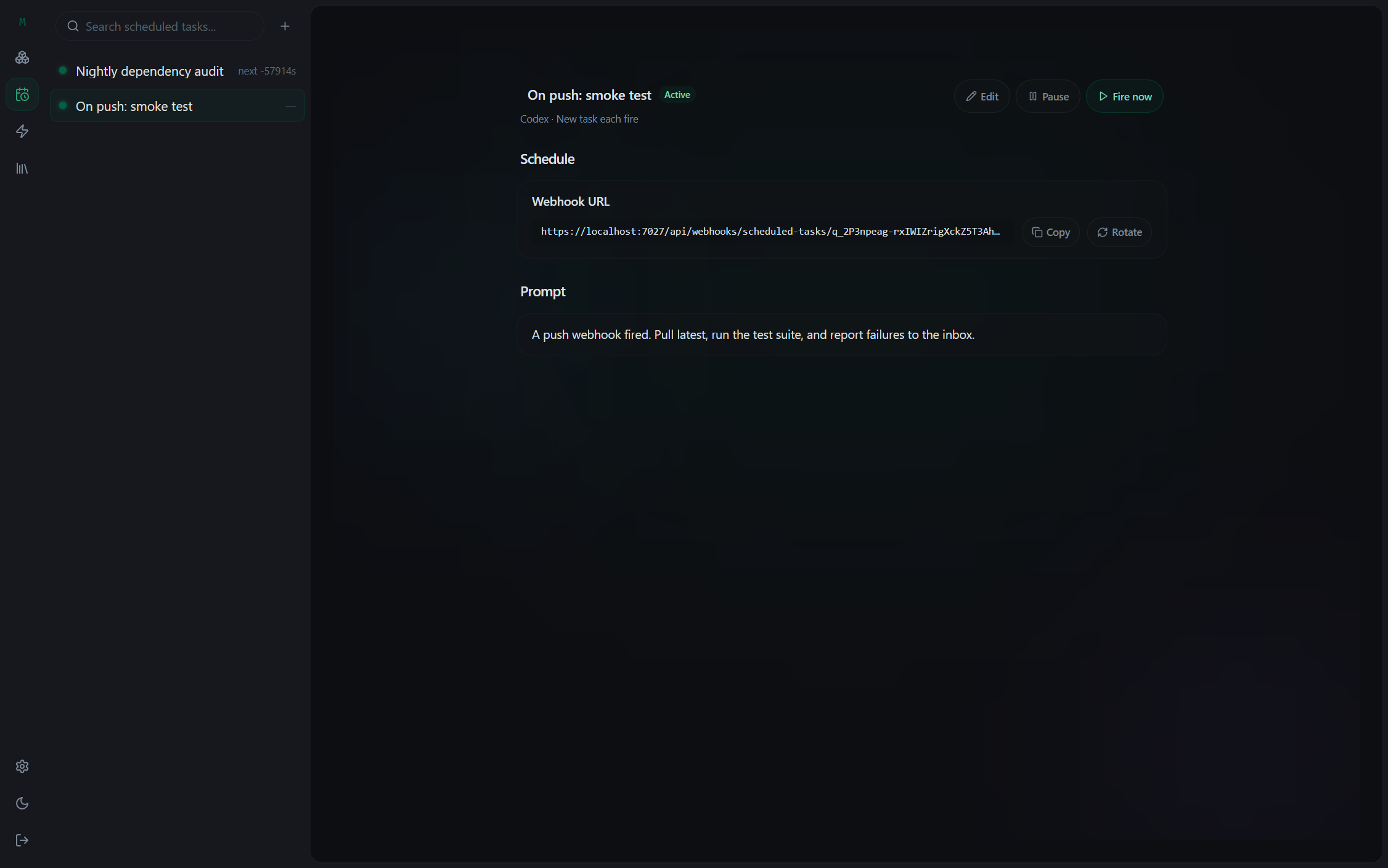
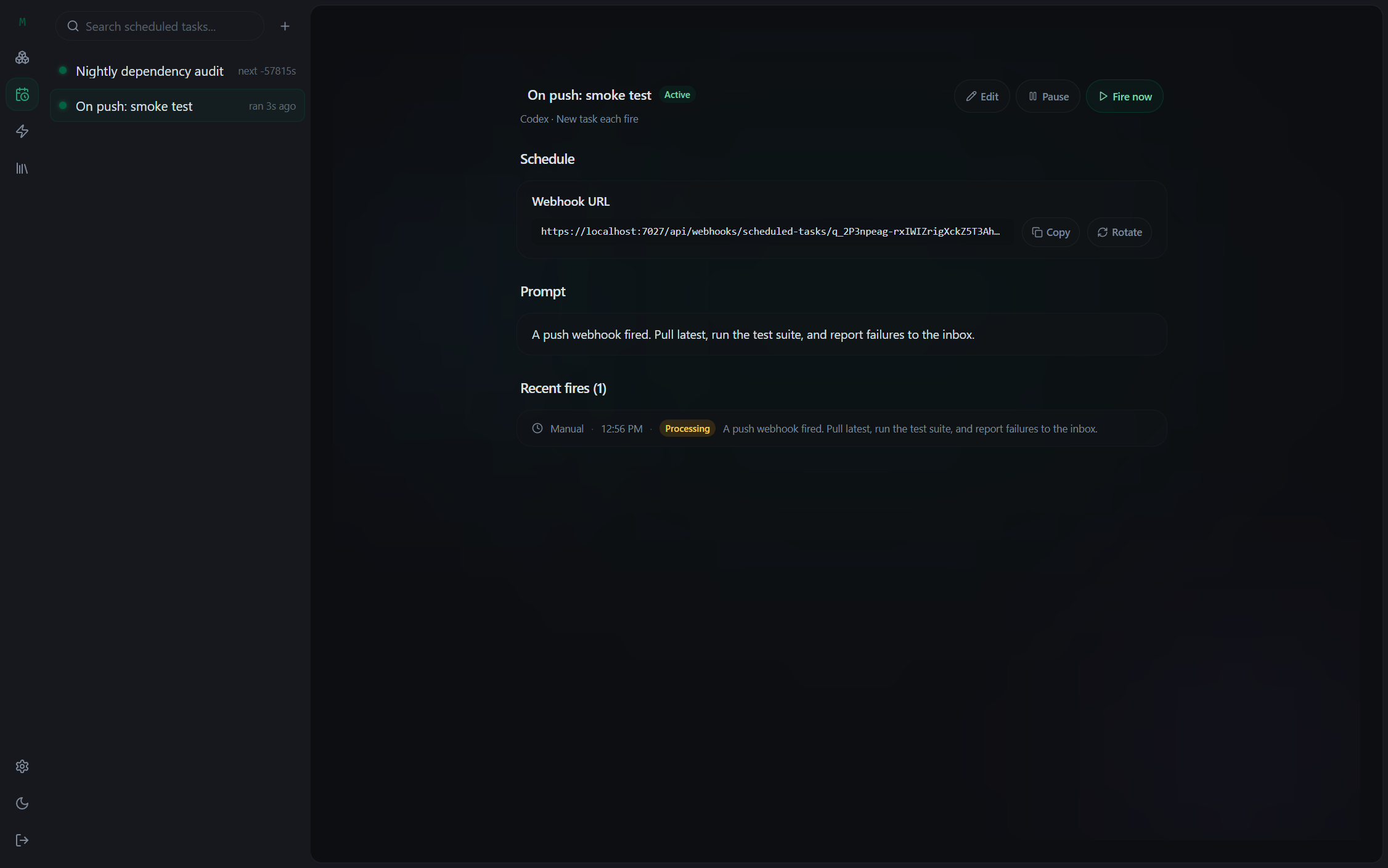
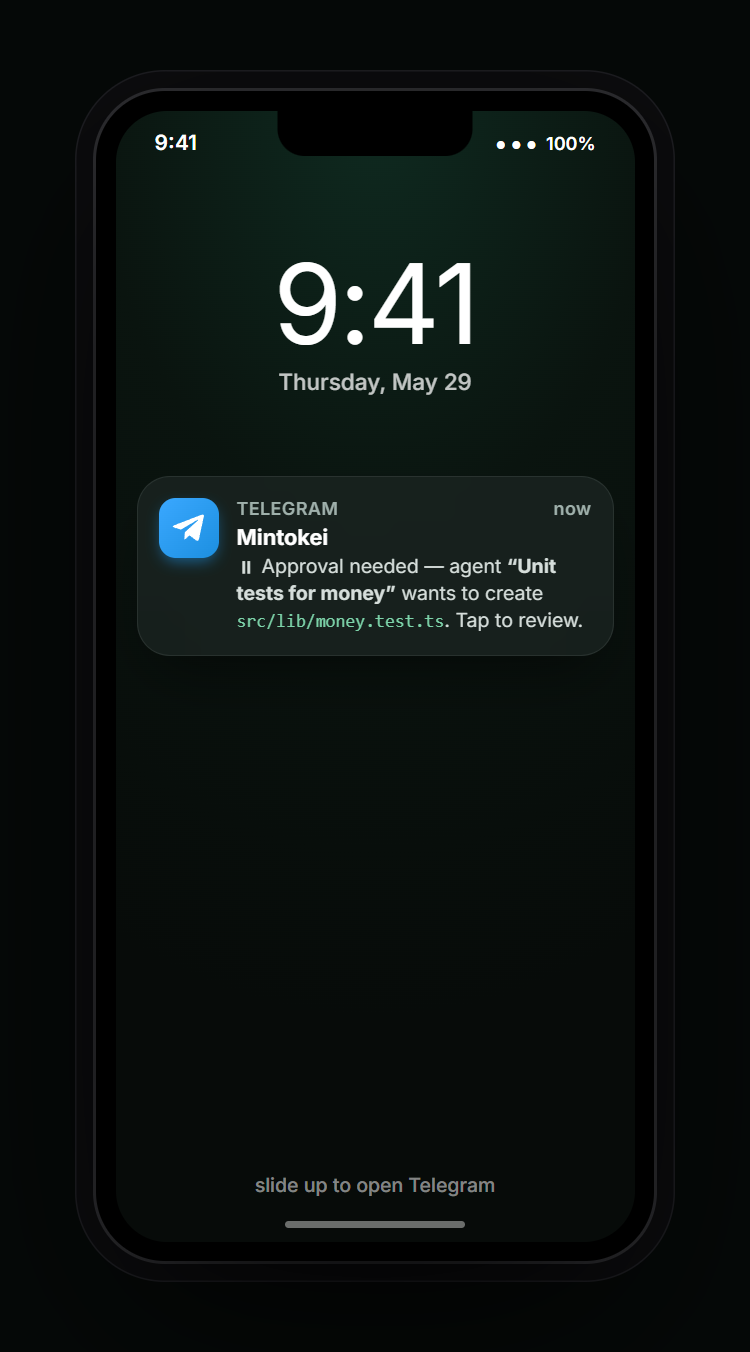
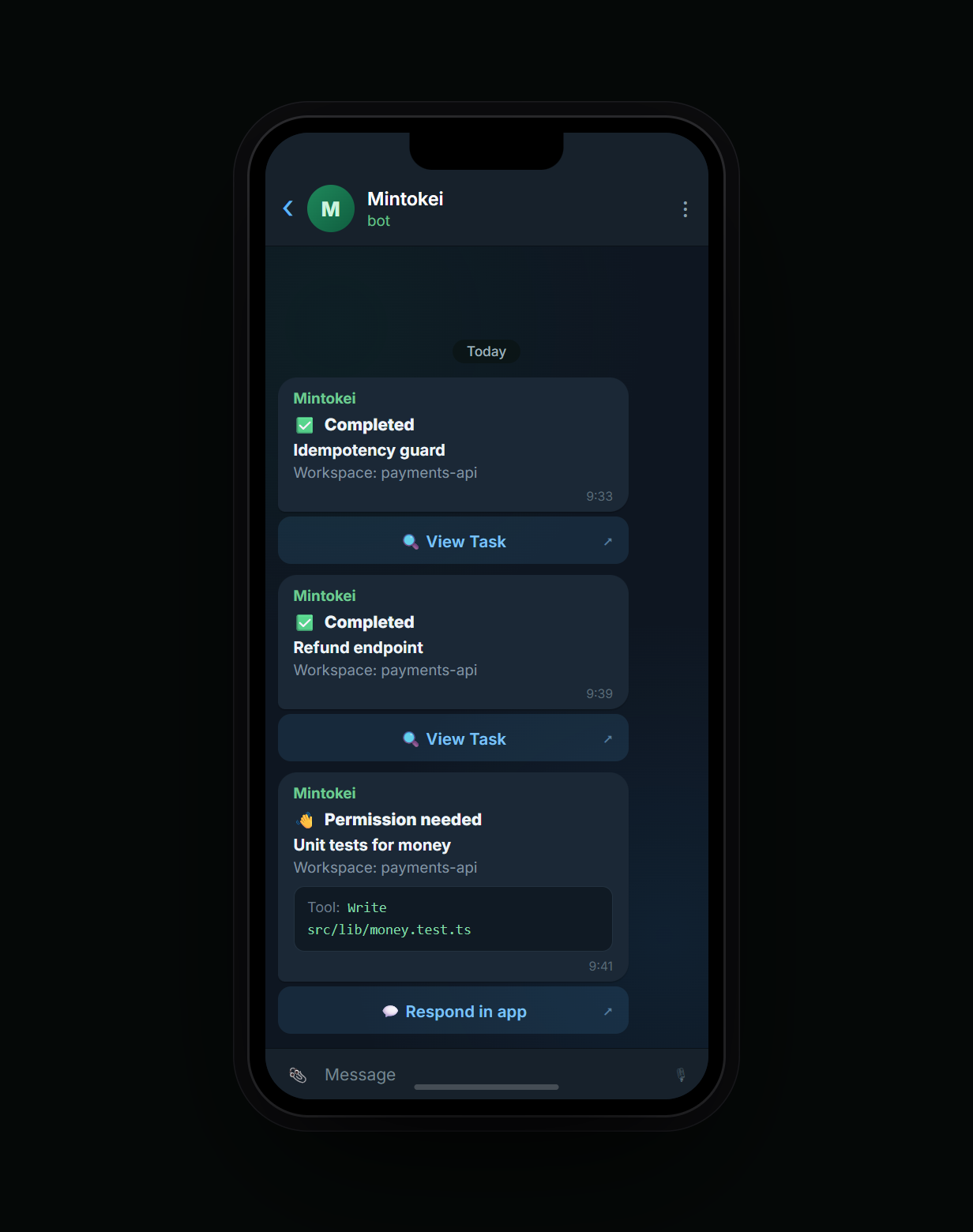
Preview the running app without a browser tab, fire tasks on a schedule or a webhook, and get pinged the moment an agent needs you.

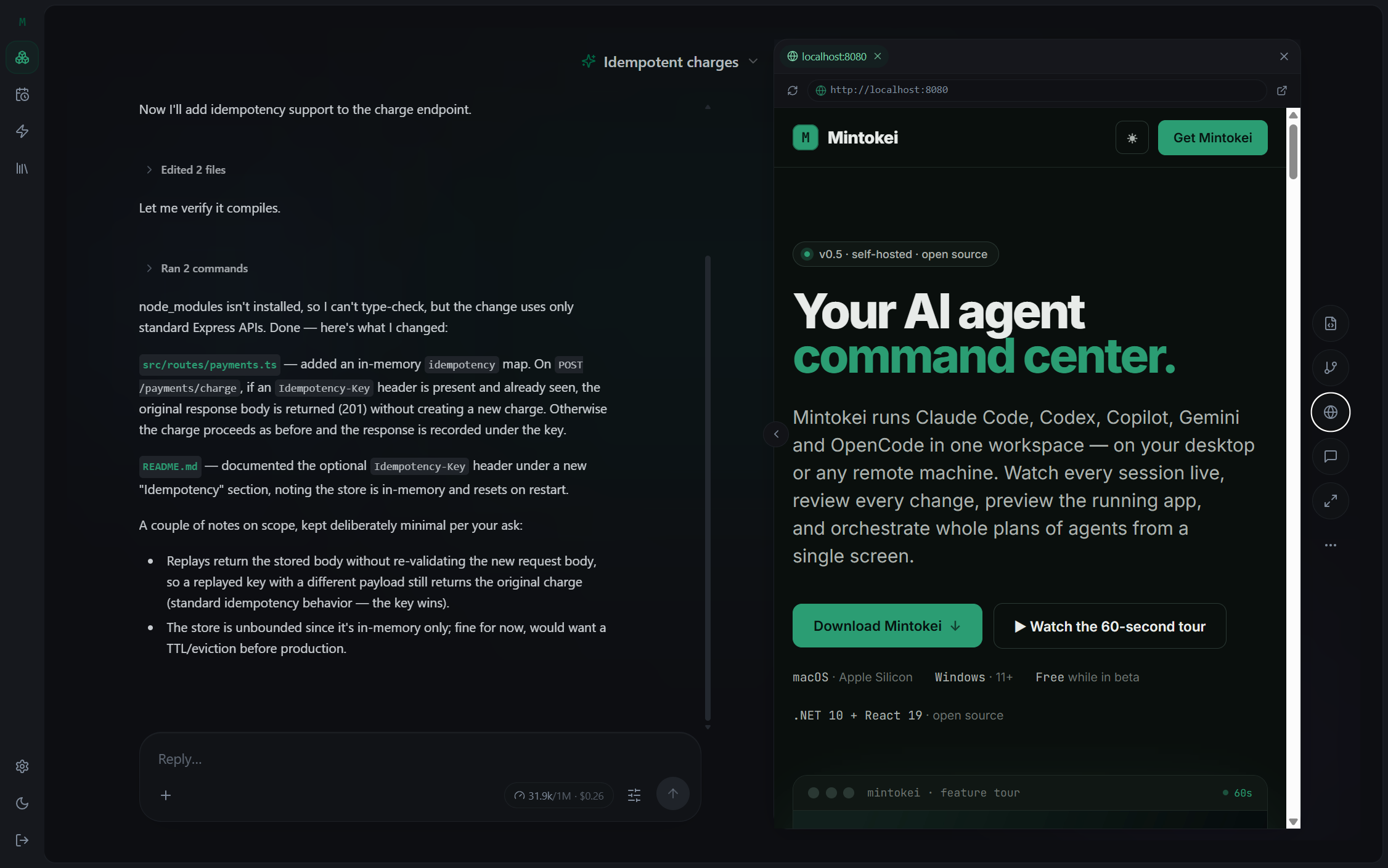
localhost:8080 · live preview in-app browser
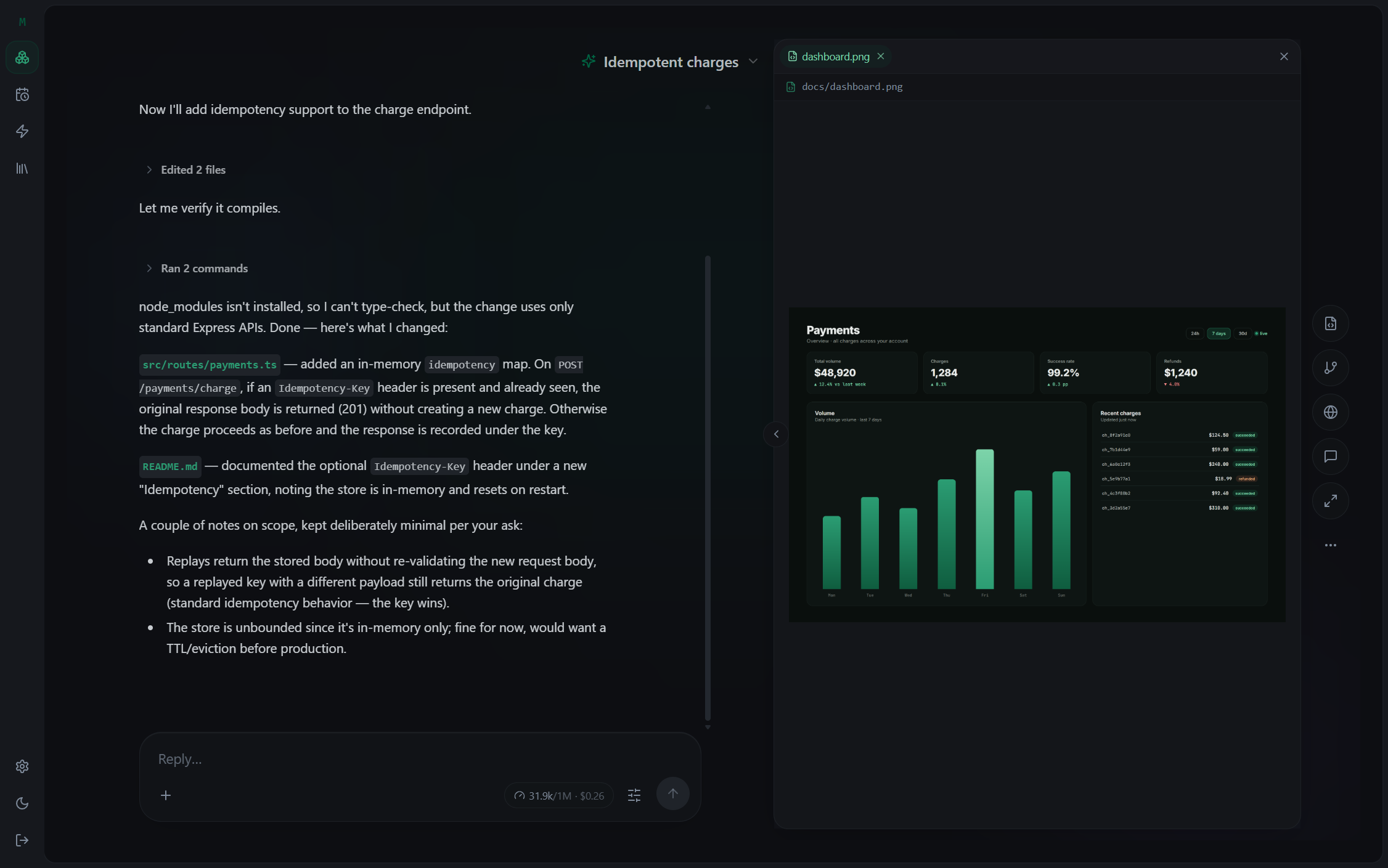
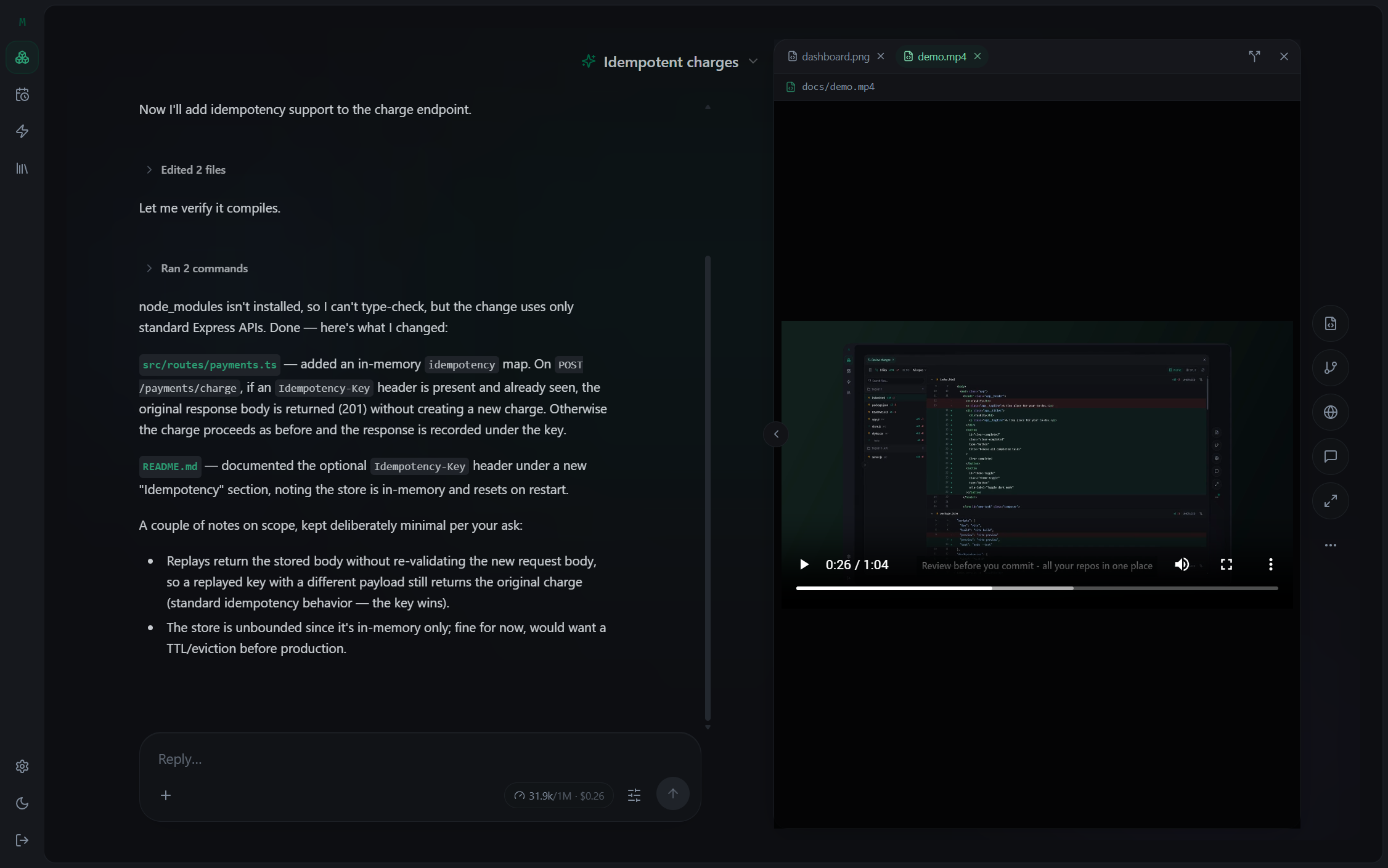
Live preview of a running web app, chat visible Previewing an image (dashboard) in the stage Playing a video in the stage A scheduled webhook trigger before any run The scheduled trigger after a run, showing run history An agent pausing for a permission approval in-app A Telegram notification on a phone Approving the request from the Telegram chat

Live preview

Preview a running app inline — no browser tab — and open images, dashboards or video right in the stage. Even a dev server on a remote runner, tunnelled back to you.

/// Early access

The desktop apps
are almost here.

Mintokei for macOS and Windows is in private beta. Join the waitlist and we’ll email you a download link the moment your spot opens — one message, no spam. Free during beta, self-hosted, no account required.

  • macOS (Apple Silicon) & Windows 11+ native apps
  • Free while in beta — no credit card
  • Self-hosted — your keys, your machines
  • No account required — one email, then your download

Bring your own CLIs · your keys · your machines.